InstaDoodle review: is the $37 one-time price worth it?
We tried the AI doodle-video tool that promises studio-style explainer videos with zero editing experience. Here’s what it actually does, what it doesn’t, and who it’s worth it for.
What it actually is
InstaDoodle is a cloud-based tool for making whiteboard-style “doodle” explainer videos — the kind where a hand appears to sketch out characters and objects while a voiceover explains something. You type a text prompt, its AI engine generates a matching doodle element, and you drag it onto a timeline with backgrounds, transitions, and your own voiceover or music.
It’s built for the exact use case that usually means hiring a freelance animator or wrestling with expensive animation software: product explainers, onboarding videos, course content, and social ads.
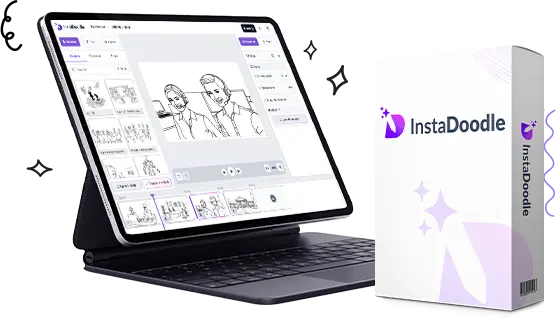
See it in action
Two walkthroughs of the actual editor — worth watching before you decide, since screenshots alone don’t show how fast the drag-and-drop workflow really is.
Full walkthrough of the editor and doodle-generation workflow.
A finished example project, start to end.
Where it earns the price, and where it doesn’t
Worth it for
- One-time $37 payment, no recurring subscription — rare in this software category
- No install or render hardware needed; everything happens in the cloud
- Genuinely fast: a rough draft video in minutes, not hours
- 1,000+ doodle elements plus AI-generated custom ones from text prompts
- 60-day refund window is long enough to actually test it on a real project
Not worth it for
- Anyone needing broadcast-quality, fully custom animation — this is doodle-style specifically
- The AI-generated elements are hit-or-miss on precise prompts; expect to regenerate a few times
- Voiceover isn’t included at the base tier — the AI Voice addon is a separate $27
- Only 150 AI credits included; heavy users will burn through them faster than expected
Pricing, honestly
Two tiers, both one-time payments — no monthly fee, which is unusual and genuinely a point in its favor:
| Plan | What you get | Price |
|---|---|---|
| InstaDoodle | Black & white doodle elements, full editor | $37 |
| InstaDoodle + Color | Everything above, plus color doodle generation | $67 |
At checkout you’ll also be offered a $27 AI Voice addon (multilingual text-to-speech). It’s optional — skip it if you’re recording your own voiceover.
How to actually get a good video out of it
- Start from a template, not a blank canvas. The 14 built-in project templates save real time versus building a sequence from scratch.
- Write your script first, video second. Draft the voiceover script before touching the editor — it’s much faster to match doodles to a finished script than to write narration around random elements.
- Use AI generation for specific, simple objects. “A laptop,” “a coffee cup,” “a person waving” work well. Highly specific or abstract prompts often need a regenerate or two.
- Keep videos under 90 seconds. Doodle-style explainers perform best short — this isn’t a tool built for long-form content.
Try InstaDoodle risk-free
One-time payment, 60-day money-back guarantee — enough time to build one real project and see if it fits your workflow.
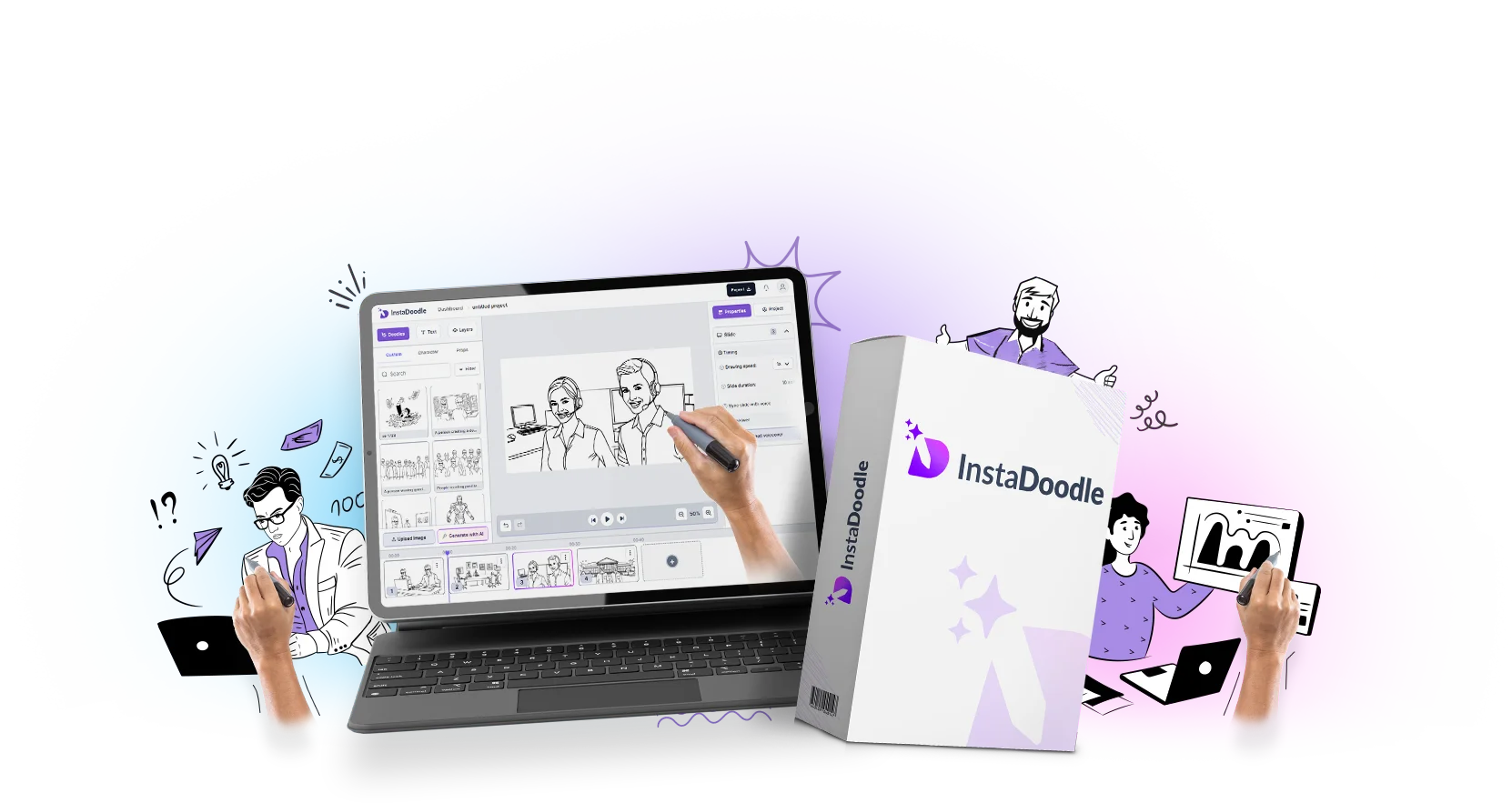 Get InstaDoodle →
Affiliate link — using it costs you nothing extra.
Common questions
Do I need any editing or design experience?
No. It’s drag-and-drop, and the templates give you a working starting point rather than a blank timeline.
Is this really a one-time payment, or does it become a subscription?
Based on the current offer, it’s a one-time payment for lifetime software access with free updates. Confirm this hasn’t changed before buying, since software pricing models can shift over time.
What’s the catch with only 150 AI credits?
Each AI-generated doodle element uses a credit. For occasional videos this lasts a long time; if you’re producing content daily, you’ll want to budget your prompts or expect to purchase more.